
Are you looking for the best proxy setting extension for Chrome? Come in now and discover our best picks, each with unique features that keep proxy users using them.
Proxies can be very helpful in the area of online privacy, but at times, setting them up seems to be extra work, especially when you need to switch them constantly. Look here – I wrote about How to Automatically Switch Proxies From a List of IPs.
You will agree with me that going through the whole steps every now and then is not only repetitive but also time-wasting, and tedious. However, with the help of Switch Proxy Extensions, changing proxies on Chrome because easy and hitch-free, usually with just a few clicks.
There are many proxy extensions for Chrome in the market. I will not advise you to go for anyone you see in the market because some of them might have malicious intent. For some, it has been a while they have been updated, and as such, it is not advisable to use them too.
The best paid proxy extension is the Luminati Chrome Extension, that offer 72+ millions IP in their P2P proxies pool, you can learn more from Here.
100% Free & Working Switch Proxy Chrome Extension
Below are the Switch Proxy Extensions that are perfect for your Chrome. Each of them can be downloaded from the Chrome Web Store.
FoxyProxy
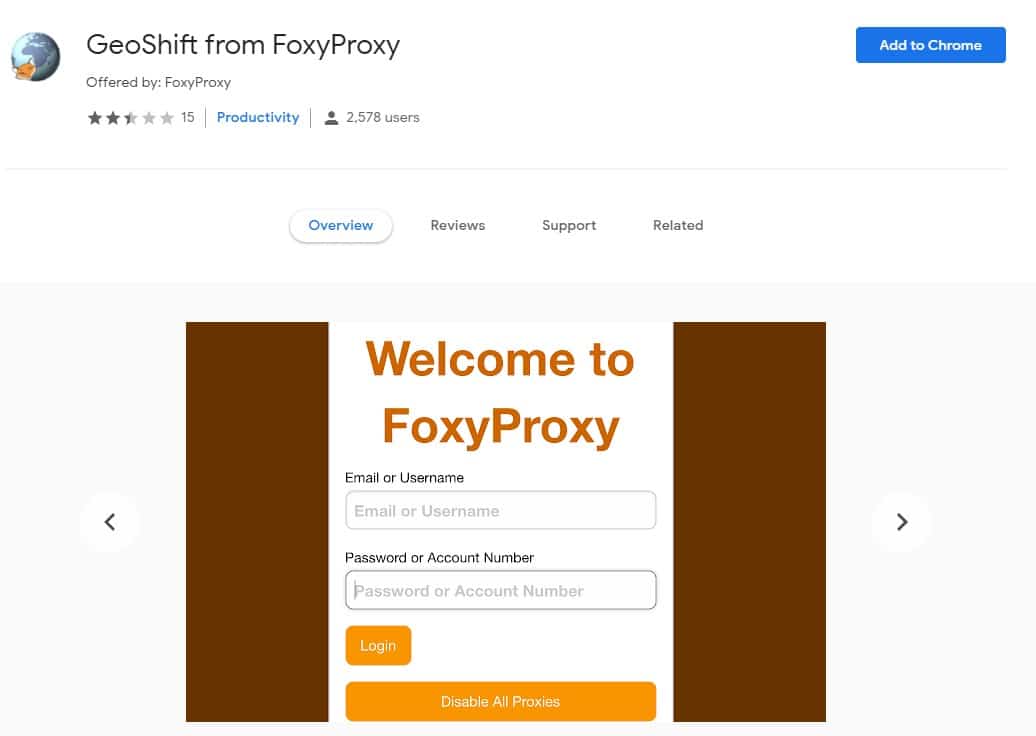
FoxyProxy is a known name among many proxy users, not because of the popularity of their proxies but because of the popularity of their proxy management tool known as GeoShift.
With GeoShift by FoxyProxy, you can switch between 100 different countries and surf the Internet from thousands of cities around the world. The software is free and easy to use. However, for you to make use of this Chrome extension, you need a FoxyProxy account. Aside from Chrome, they also have an Addon for Firefox, which is actually more popular than their Chrome extension.
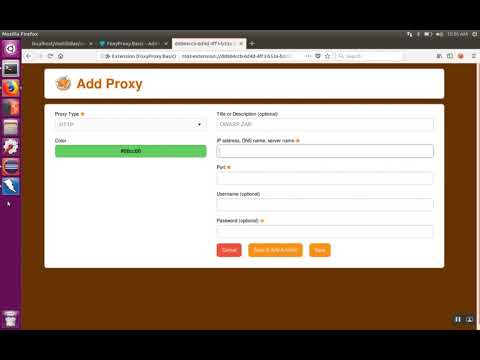
Learn more about how to use FoxyProxy Extension for 🦊 Firefox (en-US), And the other proxy switchers are similar to use.
- What is an HTTP Proxy? Types of HTTP Proxies Explained!
- What is a Socks Proxy? Paid & Free Socks proxies List Added!
Proxy SwitchyOmega
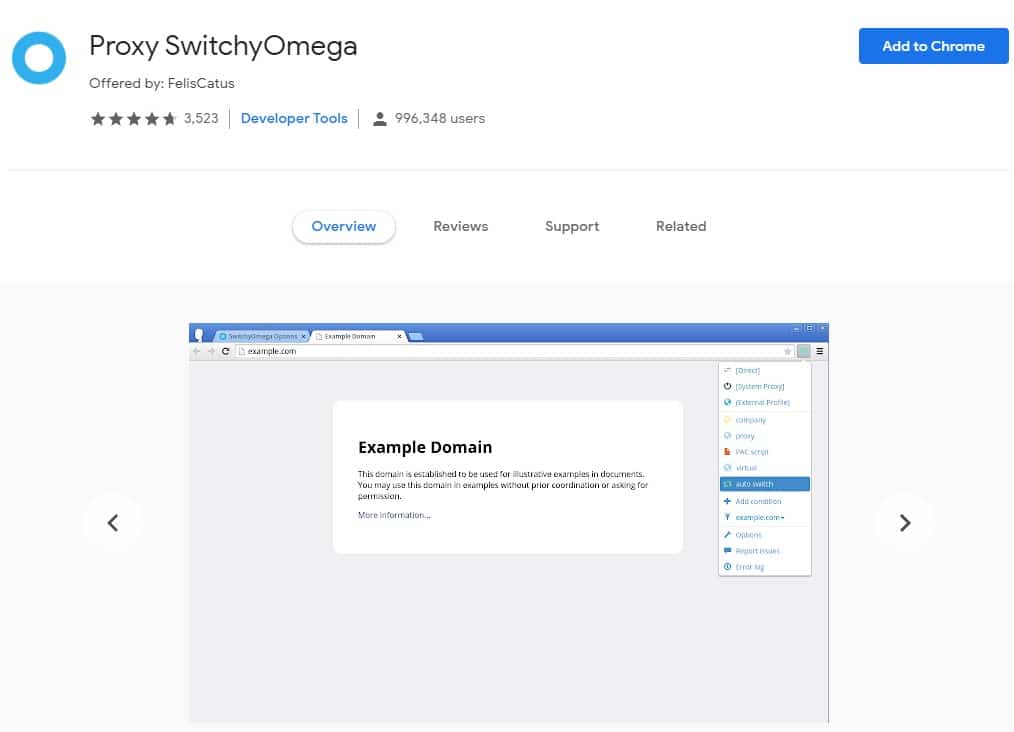
Proxy SwitchyOmega is open-source software with its codebase available on GitHub – you too can add to the codebase for it grow if you wish. Proxy SwitchyOmega is one of the best proxy management tools on the Chrome platform.
Downloadable as a Chrome extension, this proxy manager has been downloaded by close a million users. It makes switching proxies easy. You can also make use of the Auto Switch feature, which will bind specific websites with specific proxies.
Proxy Switcher and Manager
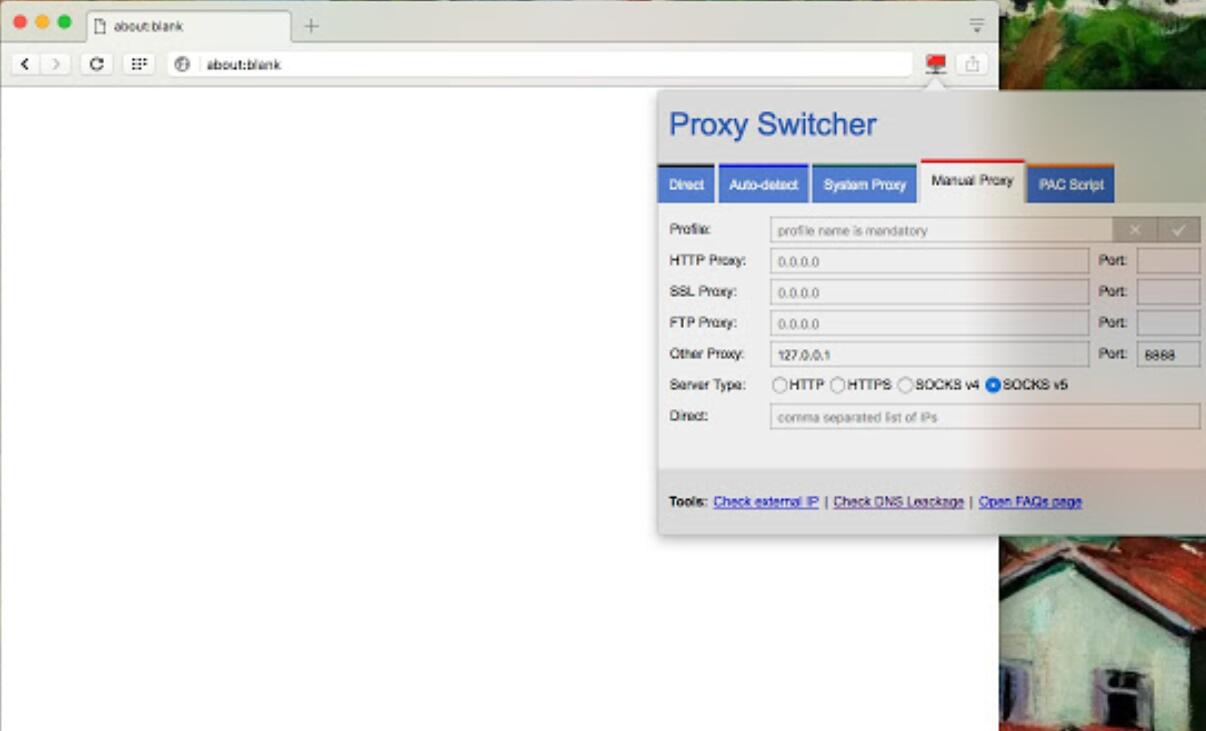
Proxy Switcher and Manager do the work of both a proxy switcher and that of a proxy manager. Aside from the fact that it can help you switch between proxies easily by providing you a simple UI, it can also help you manage between proxies.
One thing that differentials it from the other extension is that it provides free proxy servers when you need them. However, I will always advise against using free proxies as they are quite slow and comes with other disadvantages.
BP Proxy Switcher
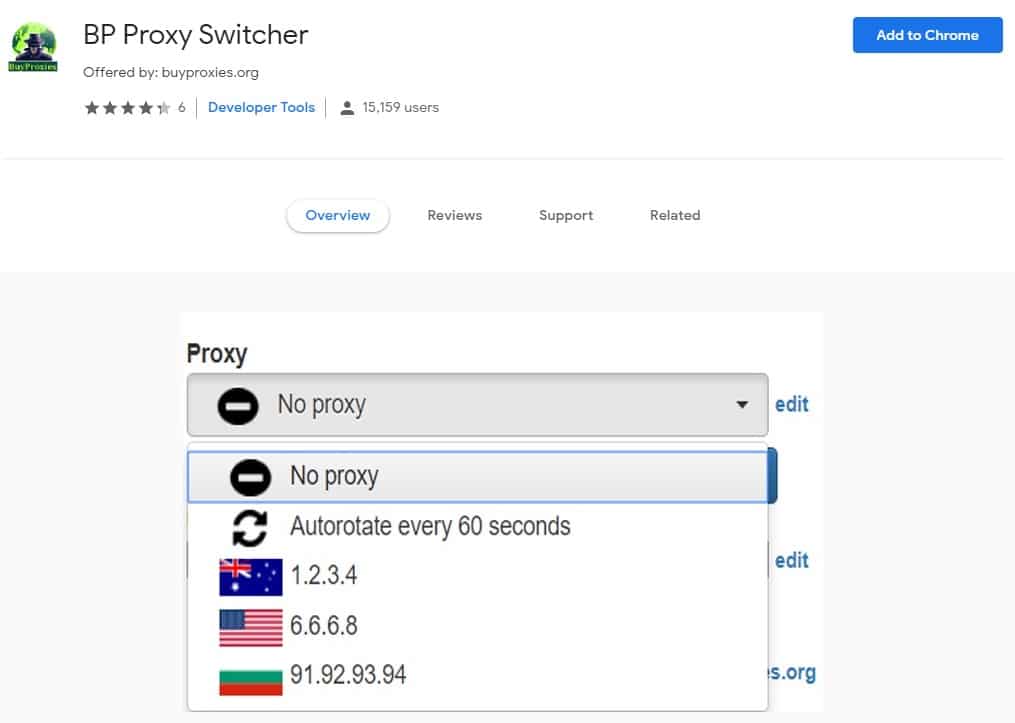
BP Proxy Switcher is brought to you by Buyproxies.org, you can read our in-depth review of buyproxies Here, a popular private proxy provider. With this proxy extension for Chrome, you can simply add all your proxies at ones from a clipboard or URL. After the upload, with just a click of a button, you get to switch between proxies.
It also has an autorotate feature that switches proxy every 60 seconds. One good about this one is that it shows the country for each proxy. It also allows you to delete the cache before switching to a new proxy.
However, just like every other extension on the list, there are no per tab proxy, the proxy you use at any given time works from the browser level.
Smartproxy Proxy Changer
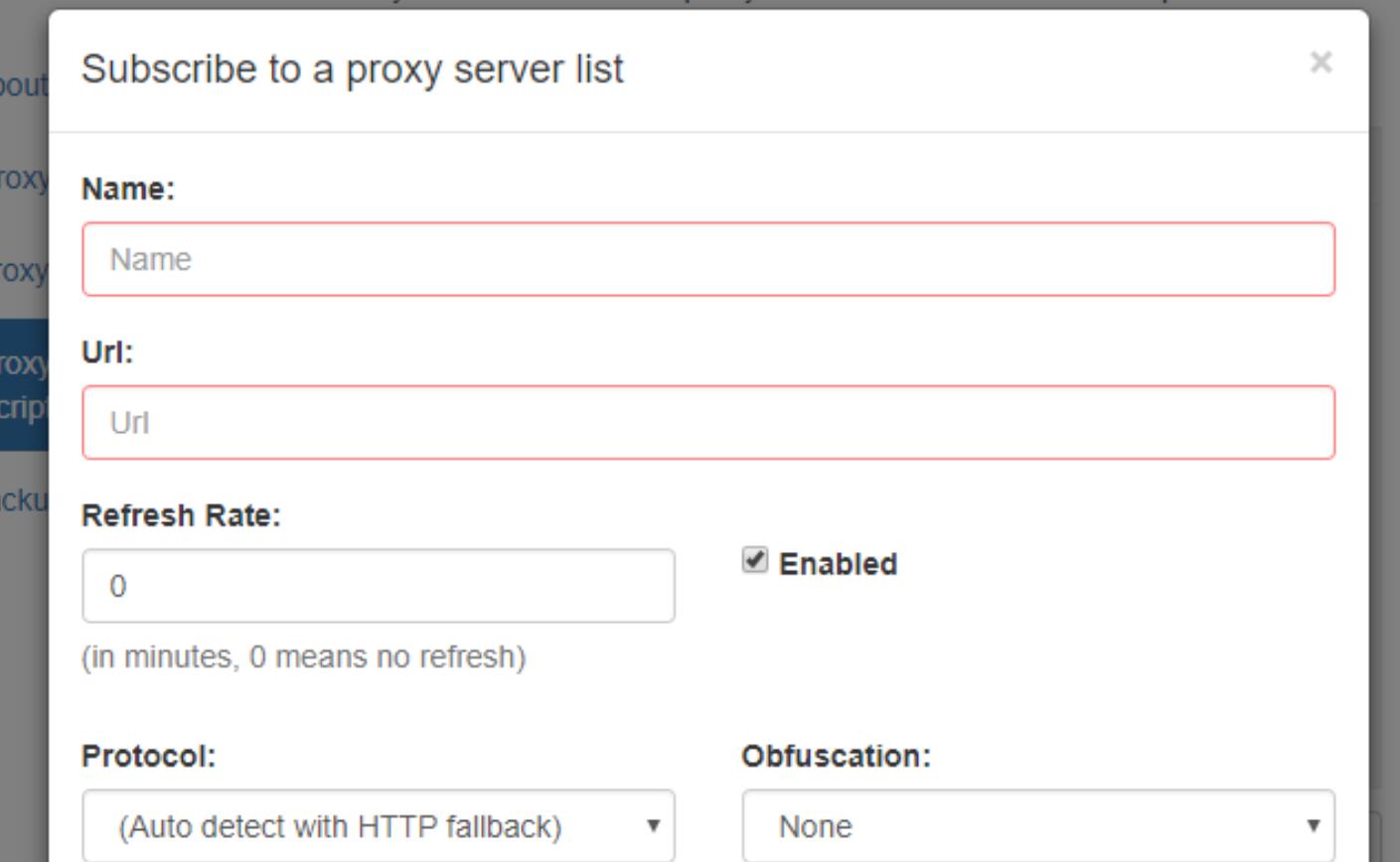
Looking for the best way to switch between proxies? Then Smartproxy extension can help you out. Smartproxy Chrome extension will enable and disable proxy for sites you visit; it does so based on your configuration and pattern it identifies by itself.
With this Chrome extension, you do not have to switch between proxies manually. This makes the whole idea of switching proxies easier for you. You need to know that this extension is different from the one provided by Smartproxy Extension, the proxy manager provided by Smartproxy, the popular proxy provider.
Proxy SwitchySharp
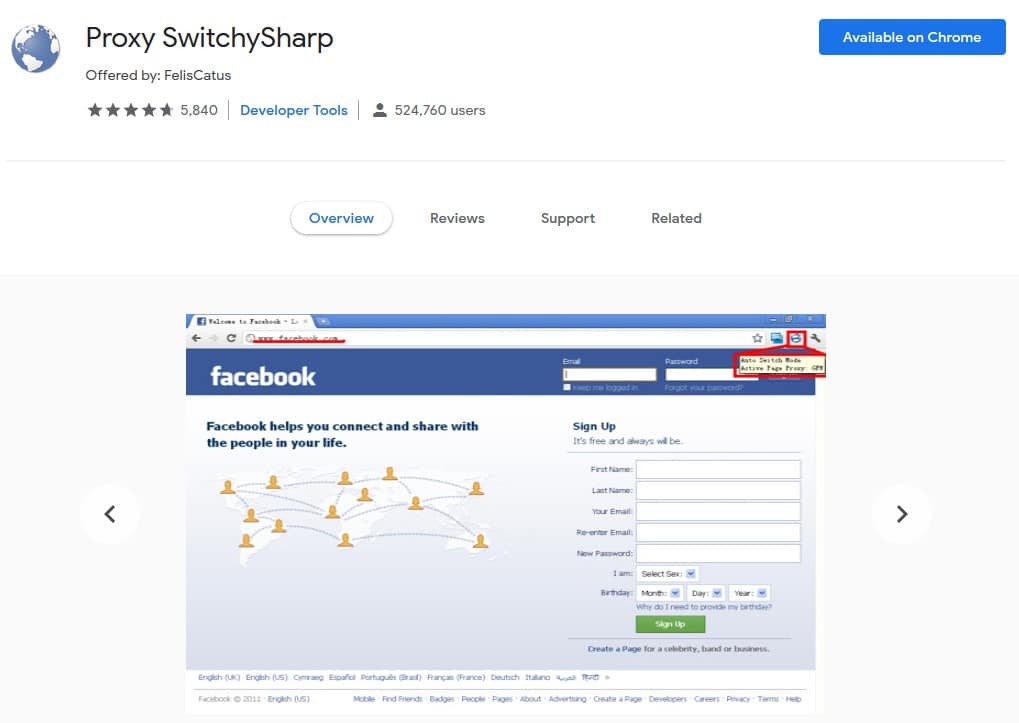
Are you having difficulty switching proxies from your long list of proxies? Then Proxy SwitchySharp can help you out in the best way possible. It is a Chrome extension that makes switching between proxies easy and swift – without going to change proxy from the Advanced setting section every now and then.
This Switch Proxy Extension for Chrome has been downloaded by over 500 thousand users. While it is very popular, it is depreciated and has not been updated for more than a year now.
Proxy Switcher
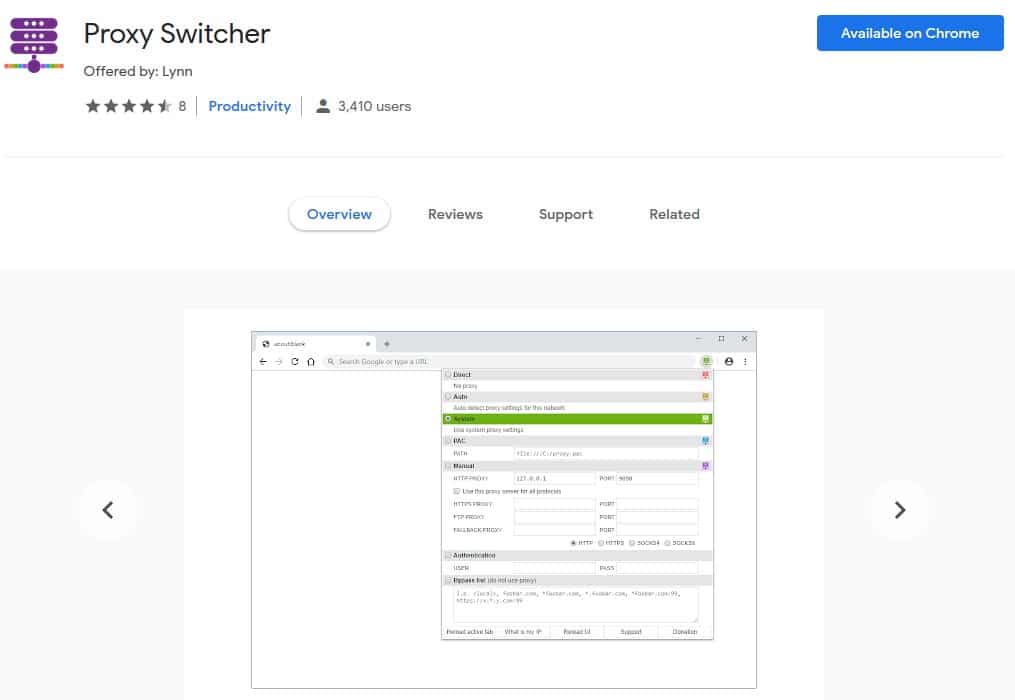
Proxy Switch is one of the proxy management tools you should use if you are using Chrome. It has a very simple UI. Changing proxies is just like a breeze.
You do the change from the toolbar – no more endlessly going through the settings, just add your proxies and have them changed with just a few clicks. This proxy management tool also supports the use of PAC Proxies.
Alternative to Using Proxy Switcher
While the above extensions work quite well for switching between static proxies, permit me to make you a recommendation. Even without making use of any extension, you can get proxies switched automatically when you make use of rotating proxies.
Rotating proxies are the proxies that change the IP Address assigned to a user after every request or a specified period of time. With rotating proxies, you do not really need a proxy switcher.
- How to Use Rotating Proxy API & Proxy lists with CURL for data mining
- Guide to Backconnect Proxy: How Backconnect Proxies Work?
Conclusion
If you observe all of the proxy managers and switchers discussed above, you will see that they carry out almost the same function with just little variations.
You can use any of the extensions from the list and it will work for you. Unlike other tools that are paid, all the ones discussed above are all free. Because they are free, you do not have any reason not to use them again to ease the proxy of changing proxy on Chrome.
Related,